
Using HolonJ
HolonJ works best with the Java 2 SDK V1.2 or a later version. No adjustments are needed for HolonJ.
Note: HolonJ creates class files on its own. You need the Java SDK for the execution of your applications. If you only create applets, the SDK is not actually needed - but it is helpful.
HolonJ runs under DOS. When HOLONJ.EXE starts, it looks for the files HOLONJ.STR and HOLONJ.TEX in the working directory. For details see the file WELCOME.HTM in the HolonJ distribution.
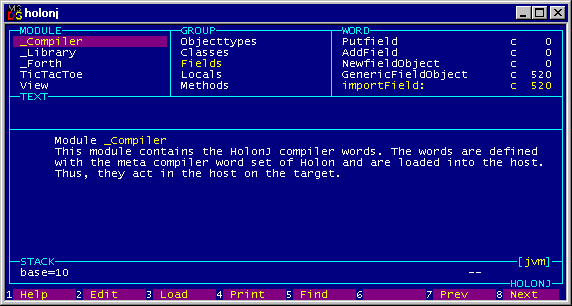
The three toolbox modules are present in every project.
Every application module defines one class, usually.
Initially the full system is loaded, and HolonJ generates a class file for every class.
Now only the modules that are changed need to be (re)loaded.
The class files are tested in the Java interpreter in the conventional way, or interactively in HolonJ with the monitor JMON
1998-2013 Wolf Wejgaard